7 Cookie Banner Mistakes That Can Cost Swiss SMEs Dearly
After hundreds of cookie audits at Swiss web agencies, the same seven mistakes keep recurring. An honest list — with concrete advice on how to fix them without making the banner pushy.
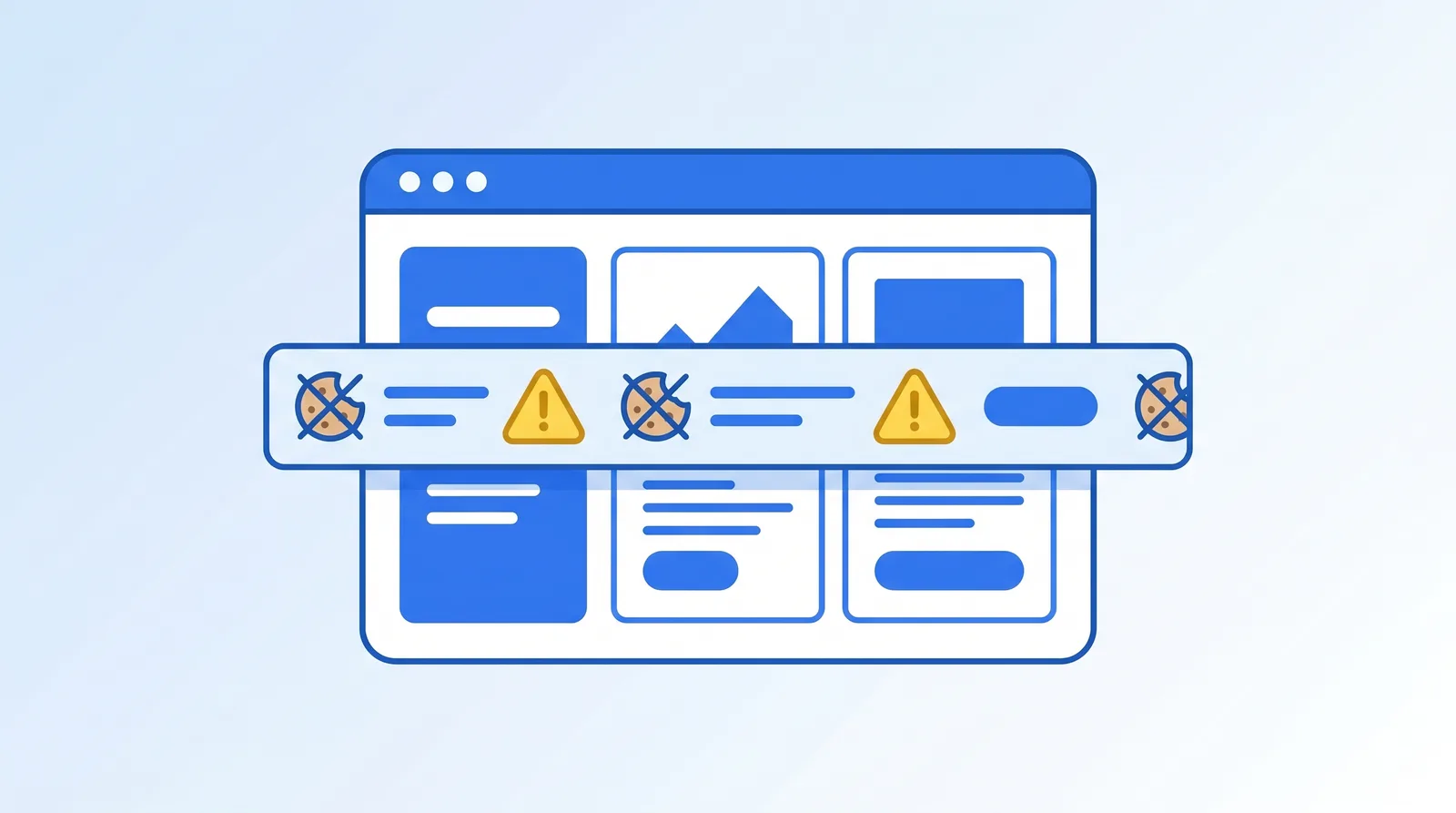
Over the last 18 months I've reviewed about 150 Swiss websites for cookie banner compliance. Seven mistakes appear so regularly they can be clearly identified. Here's the list — with concrete fix suggestions that don't make the banner pushier but do put it on the legally safe side.
Mistake 1 — "Accept" larger than "Reject"
The classic. Accept button: large, glowing green, prominent. Reject button: small, grey, semi-transparent, sometimes only as a text link.
Why it's a problem: The FDPIC Guide V1.1 explicitly demands equivalence. GDPR-compliant only when both buttons are visually comparable. Inequality is considered a dark pattern.
Fix: Both buttons same size, same contrast, same position. If you fear conversion rate impact — don't worry, in practice I see Aiara customers having higher acceptance rates because trust increases.
Mistake 2 — Pre-checked boxes
The banner detail page shows categories (statistics, marketing) as toggles — and they're activated by default. The user would need to manually deactivate.
Why it's a problem: Pre-set consent is not voluntary consent. Clearly forbidden under GDPR. Problematic under FADP.
Fix: All toggles off by default. Only on with explicit user click. Necessary cookies remain (technically) active and can't be turned off — that's legitimate.
Mistake 3 — Marketing cookies load before consent
You open the website, the banner appears, and while you're still reading — Google Ads, Meta Pixel and Hotjar are already loading. The banner is pure decoration.
Why it's a problem: When cookies are set before consent, the consent is meaningless. The most serious of the common mistakes.
Fix: Adjust Tag Manager logic. Tracking scripts with consent trigger. With correct implementation, nothing tracking-related loads before the user actively consents. The Aiara banner blocks marketing scripts by default.
Mistake 4 — No domain-specific adaptation
Web agencies use the same banner code for all customer websites. As a result, the banner lists cookies that don't actually run on this concrete website — or conversely, doesn't name existing cookies.
Why it's a problem: The privacy policy doesn't match actual data processing. In a random check, that's a documented violation.
Fix: Per website, run an own cookie scan that detects actually-set cookies. Banner and privacy policy generated based on this scan. Aiara does this automatically — when adding a domain, the scanner runs and the banner is configured accordingly.
Mistake 5 — Outdated documentation
The banner configuration was done in 2022 and not adjusted since. Meanwhile three new tools have been integrated (HubSpot, a new newsletter service, a Vimeo embed). The privacy policy doesn't mention them.
Why it's a problem: For an access request it must be clear which data goes to which recipients. Outdated documentation makes that impossible.
Fix: Quarterly automated scan plus quarterly review of the privacy policy. With Aiara customers this is built in — the scan runs monthly, and discrepancies are reported.
Mistake 6 — Missing consent log
The banner shows accept/reject, but no one keeps track of who chose what when. With an access request, nothing can be verified.
Why it's a problem: Burden of proof lies with the controller. Anyone without consent documentation is treated as having no consent.
Fix: Consent log with timestamp, IP hash (or other pseudonymous identifier) and selected categories. Aiara logs this by default — for an access request you export the records in one click.
Mistake 7 — Missing mobile test
The banner looks good on desktop. But on mobile: it covers 80% of the screen, the reject button isn't visible, or the banner doesn't go away at all.
Why it's a problem: 60% of Swiss website visits come from smartphones. A non-working banner on mobile affects the majority of users.
Fix: Test the banner on real mobile devices — not just the DevTools mobile view. Aiara's banner is responsively designed, tested on iOS Safari, Android Chrome and mobile Edge versions.
Self-audit checklist
You can check your own banner in 10 minutes:
- Equivalent buttons? (Stopwatch: at first glance, would both stand out equally?)
- Toggles off by default? (Open detail page, check)
- Tracking only after click? (DevTools → Network, before and after clicking Accept)
- Cookies match privacy policy? (Application → Cookies, compare with policy)
- Update date of policy younger than 6 months?
- Consent log present? (Ask the provider)
- Mobile test? (Real smartphone, not browser emulation)
What Aiara concretely covers here
With Aiara, these seven mistakes are addressed by default. Buttons equivalent, toggles off by default, marketing scripts only after consent, domain-specific cookie scan, monthly update of the privacy policy, built-in consent log, mobile-optimised banner. That's not magic — it's the clean implementation of what FADP, GDPR and FDPIC Guide have demanded for years. Web agencies using Aiara can seriously tell their customers: "The banner part is clean now." And mean it.
Frequently Asked Questions
Which cookie banner mistake is most frequent?
Clearly mistake 1: unequal buttons. Accept is large and colourful, reject small and grey. About 70% of Swiss SME websites I audit have this mistake. It's also the mistake the FDPIC most readily flags.
Are pre-checked boxes really forbidden?
Under GDPR yes, clearly. Under the revised FADP they're problematic because pre-set activation is not voluntary consent. Anyone running DACH business should have all boxes deactivated by default — otherwise GDPR applies and pre-checked is clearly forbidden.
What does it mean that marketing cookies load before consent?
Some websites load tracking scripts on page load before the user has even interacted with the banner. That's a technical mistake — the banner is essentially decoration. Correct: tracking scripts load only after 'Accept', ideally via Tag Manager with consent trigger.
Does the cookie banner need to be mobile-optimised?
Yes. About 60% of Swiss website visits come from smartphones. A banner that completely covers the screen on mobile or makes the reject button unreachable is not only bad UX but also problematic under FADP — because voluntary choice is hindered.
How often should I review the banner?
At least every three months. After every major website update anyway. Specifically: after every tool integration, every new marketing campaign, and at least quarterly an automated cookie scan to detect discrepancies between actually-set cookies and banner configuration.
Ready for clean cookie consent?
Aiara handles cookie banners, privacy policies and legal notices for your website — FADP and GDPR compliant.
Discover AiaraMore articles
August 28, 2026 · 6 min read
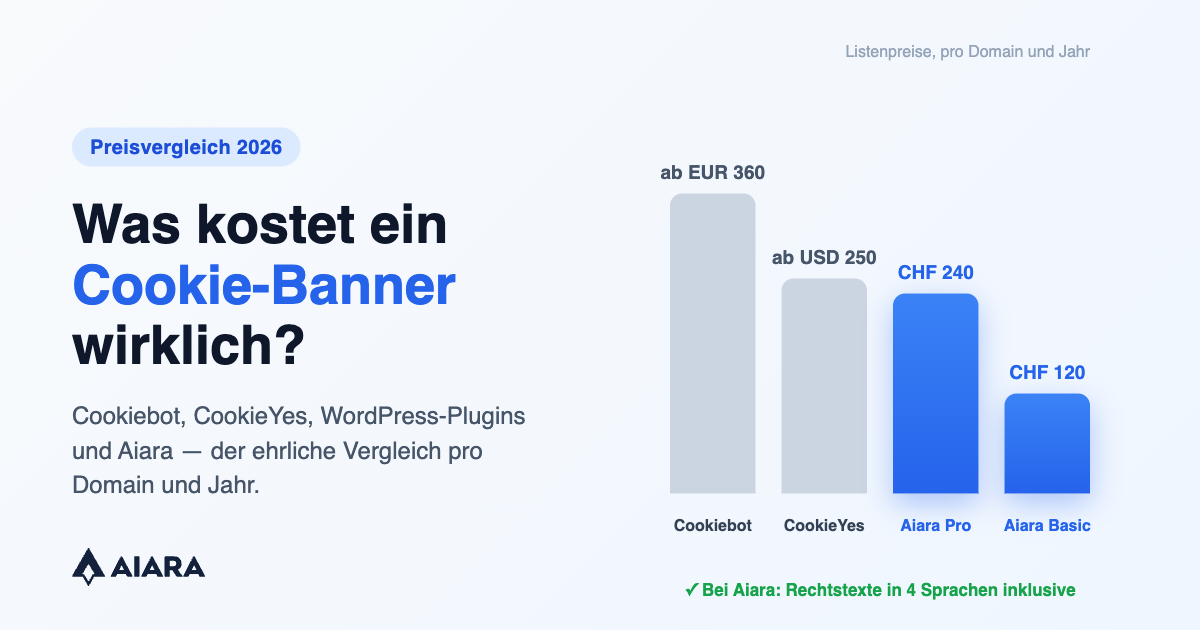
What Should a Cookie Banner Cost? An Honest Price Comparison
July 3, 2026 · 8 min read
Data Processing Agreements (DPA) in Switzerland: When You Need One — With a Checklist
June 23, 2026 · 9 min read