Google Consent Mode V2 in Switzerland: Complete Guide for SMEs
Since March 2024, advertisers have needed Consent Mode V2 — otherwise conversions from EEA visitors are no longer measured. But what does that mean for Swiss websites, and how do you implement it FADP-compliant?
In March 2024, Google made Consent Mode V2 a prerequisite for advertising in the EEA. Since then, Swiss marketing managers have regularly faced the same question: "Do I need this too?" The answer is usually yes — and the path there isn't as complicated as feared.
What Consent Mode V2 is about
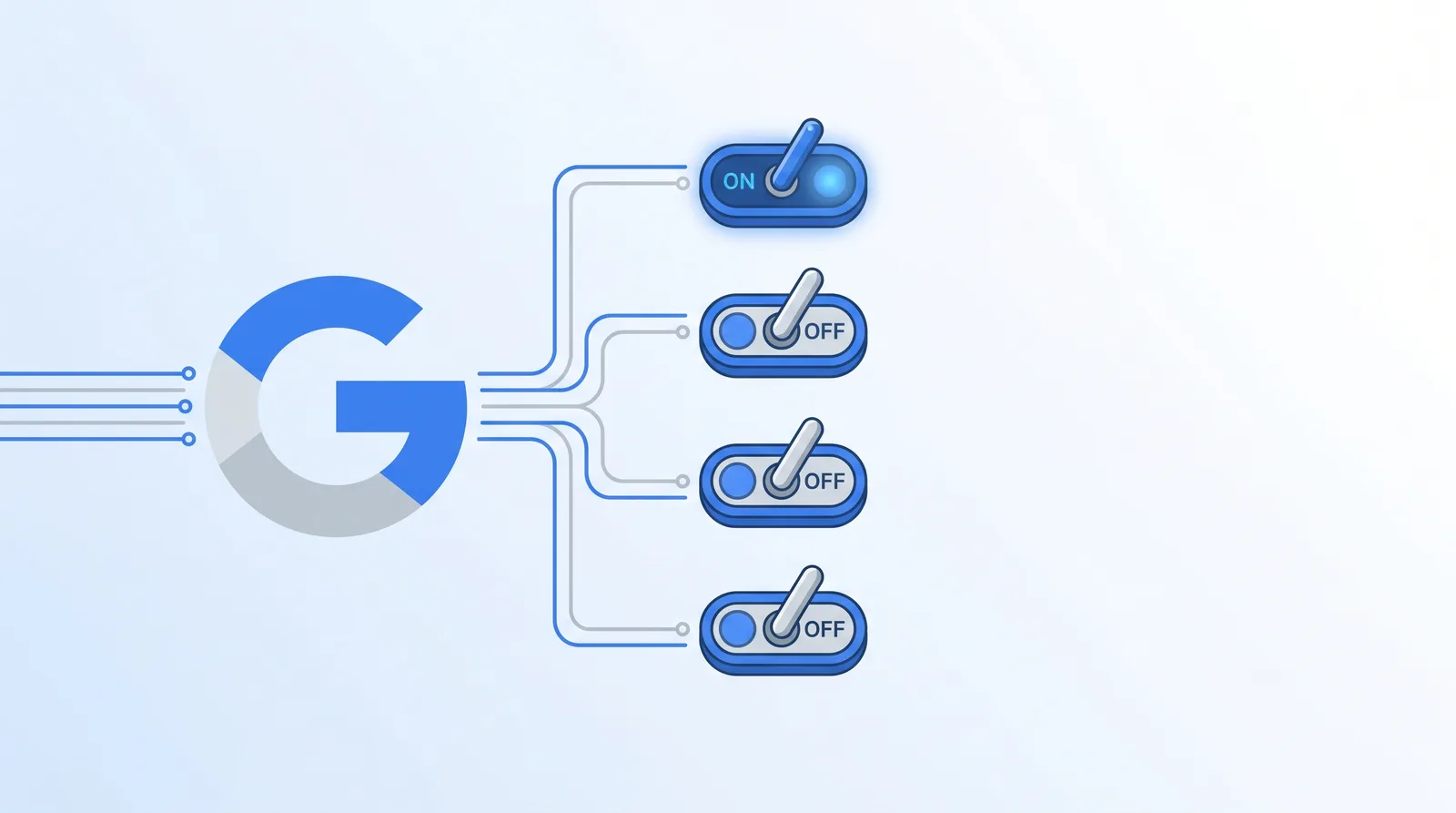
Google requires advertisers to transmit the consent status of their website visitors to Google services. Specifically: before a tracking cookie is set, Google checks whether the user has consented. Four signals are transmitted:
- ad_storage — advertising cookies allowed
- analytics_storage — analytics cookies allowed
- ad_user_data — sending data to Google allowed
- ad_personalization — personalised ads allowed
These signals can be "granted" or "denied". By default, all should be "denied" until the user actively consents.
Basic vs. Advanced — the decisive difference
Basic Consent Mode is the simple variant: as long as no consent is granted, Google Tag Manager doesn't load tracking tags at all. If the user rejects, nothing arrives at Google. That's data-saving but suboptimal for advertisers — because Google can't build models without data.
Advanced Consent Mode is the more contemporary solution: tags always load, but if no consent is granted, Google sends so-called "cookieless pings" — anonymous signals without IDs. Google uses these to train statistical models and perform conversion modelling. Concretely: if 30% of users don't consent, Google estimates conversions of this group based on the consenting users.
From an advertiser's perspective, Advanced is clearly superior — more data, better optimisation. From a privacy perspective it's debatable, but technically compliant as long as anonymous pings indeed contain no personal data.
Implementation: the three stages
Stage 1 — Set default consent
Before any Google script loads, gtag('consent', 'default', ...) must be set. In practice you place this at the very top of the <head>:
gtag('consent', 'default', {
  ad_storage: 'denied',
  analytics_storage: 'denied',
  ad_user_data: 'denied',
  ad_personalization: 'denied',
  wait_for_update: 500
});
The wait_for_update field gives Google 500 ms to wait for an update action before tags fire without consent.
Stage 2 — Connect the cookie banner
When the user consents (or rejects), the banner must update the signals:
// Example: user accepts all
gtag('consent', 'update', {
  ad_storage: 'granted',
  analytics_storage: 'granted',
  ad_user_data: 'granted',
  ad_personalization: 'granted'
});
For categorical consent (e.g. only statistics, no marketing cookies), only the corresponding signals are set to "granted".
Stage 3 — Verification with Tag Assistant
Google Tag Assistant shows in the browser which signals are currently active. Before going live, every constellation should be tested: all accepted, all rejected, only statistics, only marketing.
Common implementation errors
Three traps I regularly see during audits:
Error 1 — Default to 'granted'. If default values are set to "granted", that cancels out the whole consent mode. Google detects this in audit logic and classifies the implementation as non-compliant.
Error 2 — Forgotten wait_for_update. Without this field, tags fire immediately, before the banner has even loaded. Then a first page view without consent is counted — this distorts the data and is critical from a privacy perspective.
Error 3 — Only three signals set. V2 introduced ad_user_data and ad_personalization as new signals. Anyone using V1 logic with only ad_storage and analytics_storage has an incomplete implementation. Google warns in the Tag Manager UI in this constellation.
Ensuring FADP compliance
From a Swiss perspective: Consent Mode V2 is FADP-compliant if the banner correctly captures consent status and signals are set accordingly. Three points are critical:
- No default 'granted' — otherwise tracking fires without consent, which is critical under the revised FADP.
- Adapt privacy policy — cookieless pings must be mentioned, as well as Google's role as recipient.
- Make conversion modelling transparent — anyone wanting precision under the FADP indicates in the banner that anonymous signals can flow even without cookie consent.
What it brings — and what it doesn't
In practice I see Swiss SMEs with correct Advanced implementation gaining about 30-50% higher measured conversions compared to setups without Consent Mode. That sounds like a lot but is no magic — Google simply factors in the non-consenting users.
What Consent Mode doesn't solve: if your cookie banner architecture has fundamental problems (such as pre-checked boxes or missing "reject" button), even the best Consent Mode won't help. Consent must be valid, otherwise the whole construct collapses.
Aiara and Consent Mode V2
With Aiara, Consent Mode V2 is active by default. As soon as you set up your cookie banner and register Google Analytics or Google Ads as tools, the four signals are automatically set correctly. You don't have to write any code yourself — the integration runs transparently in the background. For Swiss web agencies this typically saves half a working day per customer site.
Frequently Asked Questions
Do Swiss websites need Google Consent Mode V2?
Anyone using Google Ads, Floodlight or Google Analytics 4 and processing at least one ad click from the EEA needs Consent Mode V2. Pure Swiss websites without EU advertising can theoretically do without, but practically most Swiss SMEs use GA4 or Google Ads — so it becomes relevant.
What's the difference between Basic and Advanced Consent Mode?
Basic Mode loads tags only after consent. If the user rejects, nothing flows to Google. Advanced Mode always loads tags but, in the absence of consent, only sends so-called 'cookieless pings' — anonymous signals without IDs. This allows Google to train models without tracking the individual user. Advanced is usually the better choice because more data arrives.
What are the four consent signals?
ad_storage (advertising cookies), analytics_storage (analytics cookies), ad_user_data (transmission of user data to Google) and ad_personalization (personalised advertising). All four must be explicitly set by the cookie banner based on user consent.
Is Consent Mode V2 compatible with the revised FADP?
Yes, if correctly implemented. Signals must reflect user consent — no preset to 'granted'. Additionally, cookies set by the mode must be mentioned in the privacy policy. Swiss users must be treated like EU users when the website implements EU tracking anyway.
What happens without Consent Mode V2?
Google Ads and GA4 still technically work — but conversions from EEA users are no longer evaluated. For advertisers this means significantly worse optimisation because Google lacks performance data. In practice, campaigns without Consent Mode V2 lose efficiency massively after a few weeks.
Ready for clean cookie consent?
Aiara handles cookie banners, privacy policies and legal notices for your website — FADP and GDPR compliant.
Discover Aiara